Chapter 5 officer for RTF
5.1 Why RTF?
RTF (Rich Text Format) is a plain text format readable by virtually every word processor: Microsoft Word, LibreOffice, WordPad, and many legacy editorial pipelines (pharma, clinical, regulatory submissions). It has no macros, no embedded OLE objects.
The ‘officer’ package produces RTF documents from R with an API that
mirrors the one used for Word: you create a document object, add
content with rtf_add(), and write the result to a file with
print().
5.2 A minimal document
A working RTF document fits in four lines:
library(officer)

doc <- rtf_doc()
doc <- rtf_add(doc, "Hello RTF", style = "heading 1")
doc <- rtf_add(doc, "This is a first paragraph.")

print(doc, target = "static/office/rtf-hello.rtf")
# [1] "static/office/rtf-hello.rtf"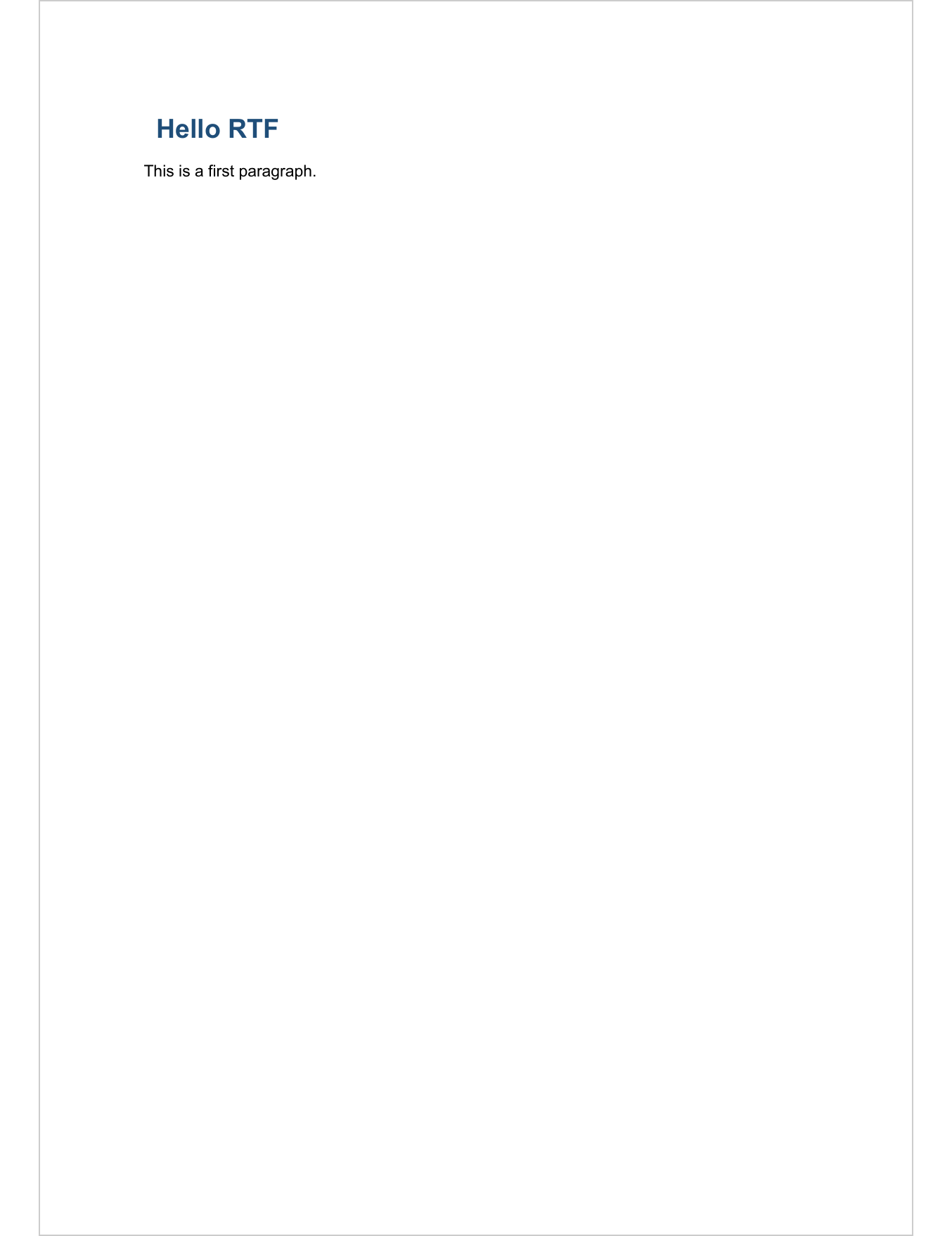
rtf_doc() returns an empty document and pre-registers four paragraph
styles: "Normal", "heading 1", "heading 2" and "heading 3". The
heading names follow Word’s own convention, so the same call works
identically against a Word or an RTF document.
5.3 What you can add
The rtf_add() function dispatches on the class of its second argument.
The table below lists what is supported.
character,factor,doublevectors (one paragraph per element)fpar()paragraphs andblock_list()of paragraphs (see chapter 8)block_toc()for a table of contentsblock_section()to open a new sectionggplotobjects andplot_instr()for base R plots- tables built with the ‘flextable’ package
- any run object:
ftext(),hyperlink_ftext(),run_word_field(),run_autonum(),run_reference(),run_pagebreak(),run_columnbreak(),run_linebreak(),external_img()
Formatting properties (fp_text(), fp_par(), borders, shading, tab
stops) are shared with the Word workflow and described in chapter 7.
5.3.1 Paragraphs and titles
Use the style argument of rtf_add() to pick a paragraph style. The
built-in heading styles carry an outline level, which means Word will
list them in the navigation pane and pick them up in the table of
contents field.
doc <- rtf_doc()
doc <- rtf_add(doc, "Introduction", style = "heading 1")
doc <- rtf_add(doc, "First section", style = "heading 2")
doc <- rtf_add(doc, "Some body text.")
print(doc, target = "static/office/rtf-titles.rtf")
# [1] "static/office/rtf-titles.rtf"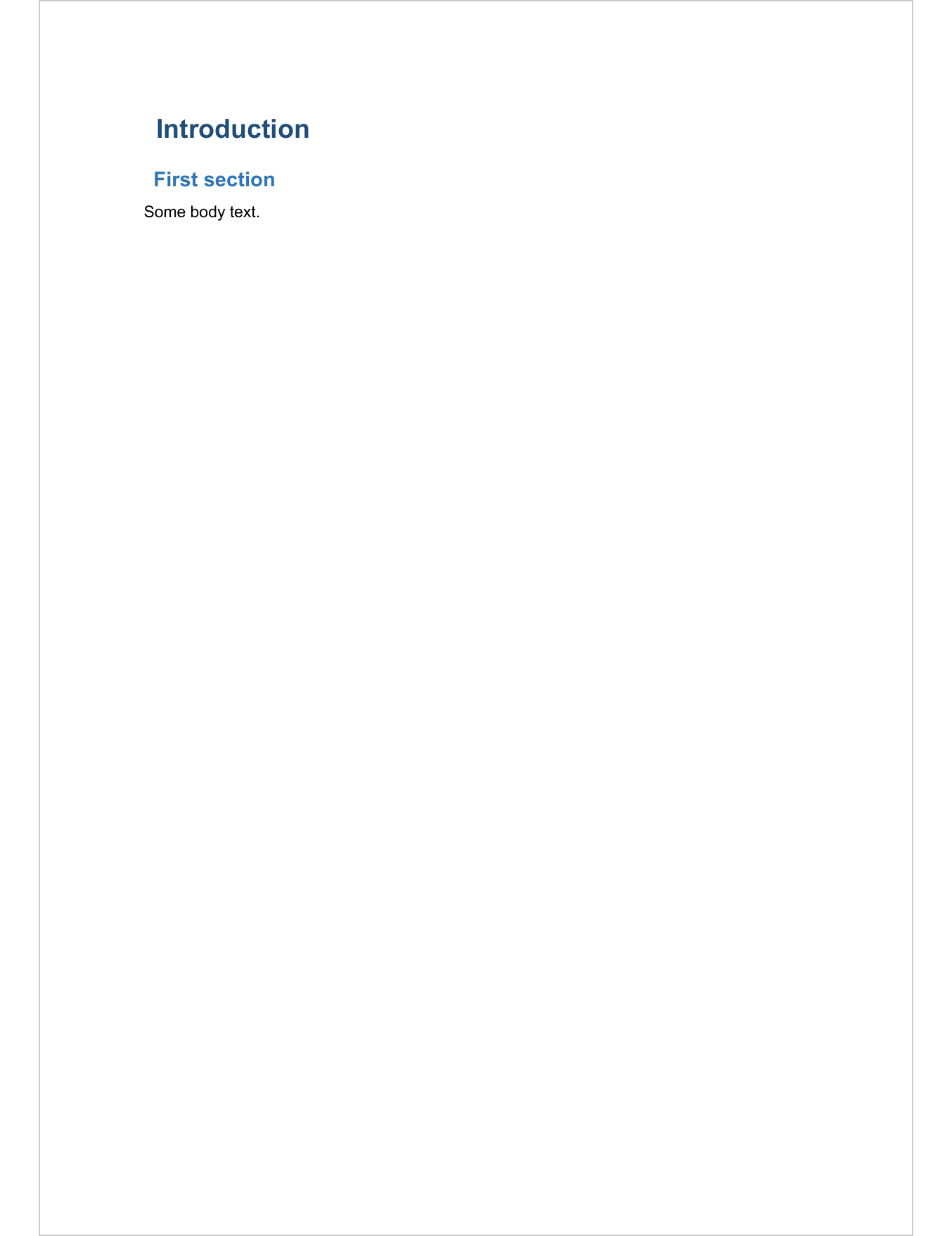
For richer paragraphs, build an fpar() and add it the same way:
def_text <- fp_text_lite(color = "#006699", bold = TRUE)

doc <- rtf_doc()
doc <- rtf_add(doc, fpar(
  ftext("Mixed ", prop = def_text),
  ftext("formatting in a single paragraph."),
  fp_p = fp_par(text.align = "center")
))
print(doc, target = "static/office/rtf-fpar.rtf")
# [1] "static/office/rtf-fpar.rtf"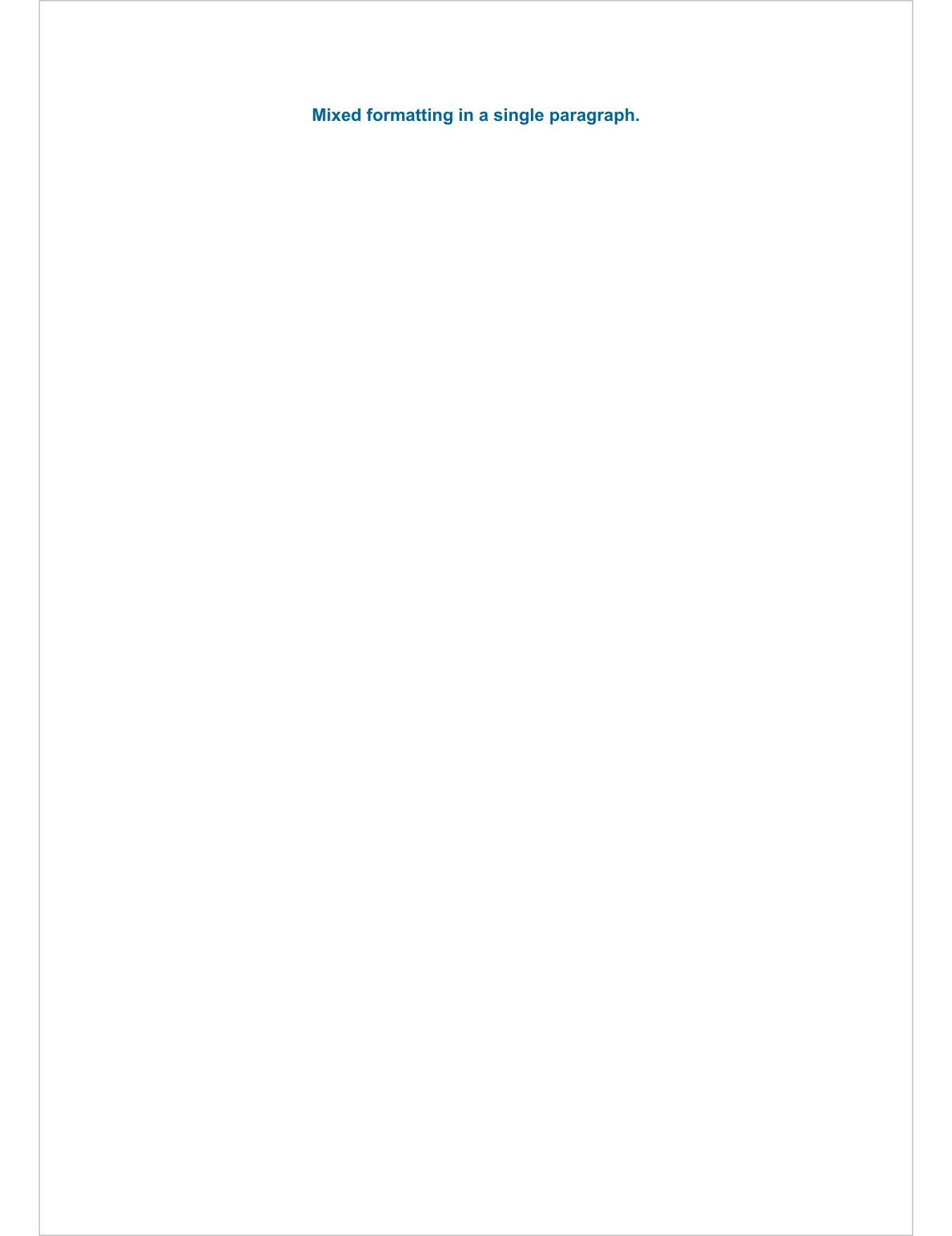
5.3.2 Tables
The recommended way to add a table is through the ‘flextable’ package, which renders to RTF the same way as to Word, PowerPoint, HTML and PDF.
library(flextable)
ft <- qflextable(head(iris))

doc <- rtf_doc()
doc <- rtf_add(doc, "Iris dataset", style = "heading 2")
doc <- rtf_add(doc, ft)
print(doc, target = "static/office/rtf-table.rtf")
# [1] "static/office/rtf-table.rtf"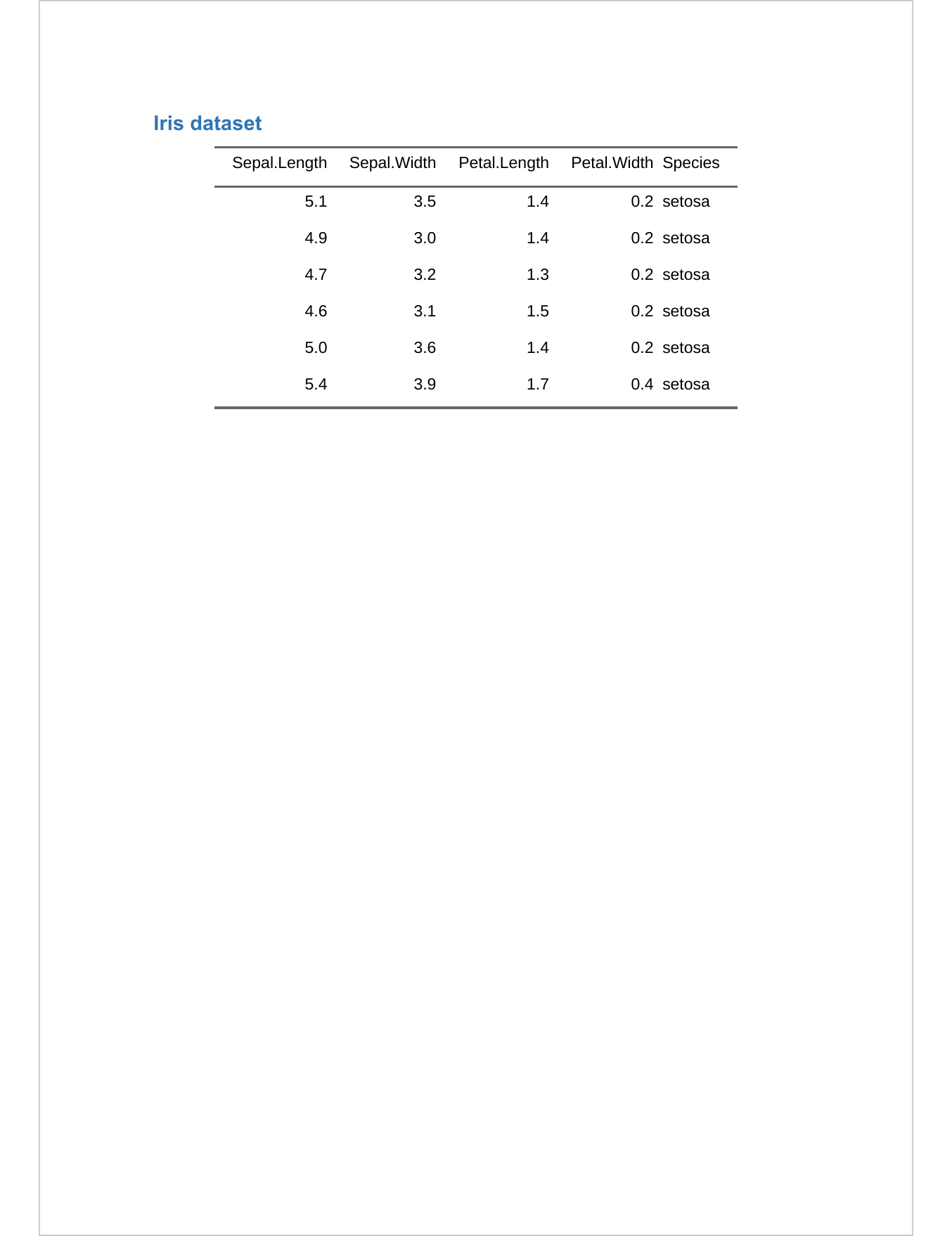
5.3.3 Plots
ggplot objects and plot_instr() are rendered to PNG and embedded as
images.
library(ggplot2)
gg <- ggplot(iris, aes(Sepal.Length, Petal.Length, colour = Species)) +
  geom_point()

doc <- rtf_doc()
doc <- rtf_add(doc, gg, width = 5, height = 3)
print(doc, target = "static/office/rtf-plot.rtf")
# [1] "static/office/rtf-plot.rtf"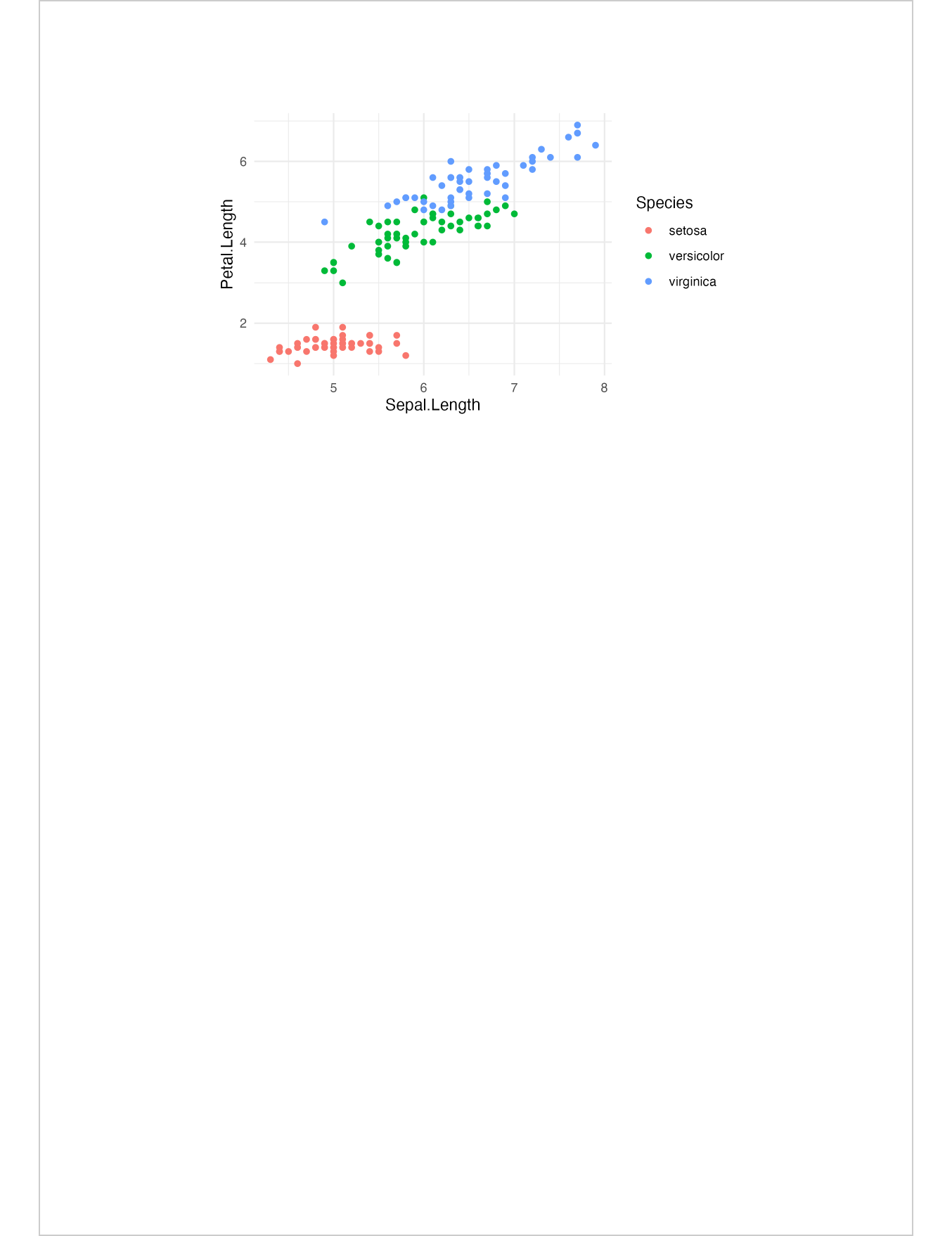
5.3.4 Table of contents
block_toc() inserts a Word TOC field. The field is computed by Word
when the document is opened (or when the user presses F9). LibreOffice
will not populate it automatically.
doc <- rtf_doc()
doc <- rtf_add(doc, block_toc(level = 3))
doc <- rtf_add(doc, "Chapter 1", style = "heading 1")
doc <- rtf_add(doc, "Some content.")
doc <- rtf_add(doc, "Chapter 2", style = "heading 1")
doc <- rtf_add(doc, "More content.")
print(doc, target = "static/office/rtf-toc.rtf")
# [1] "static/office/rtf-toc.rtf"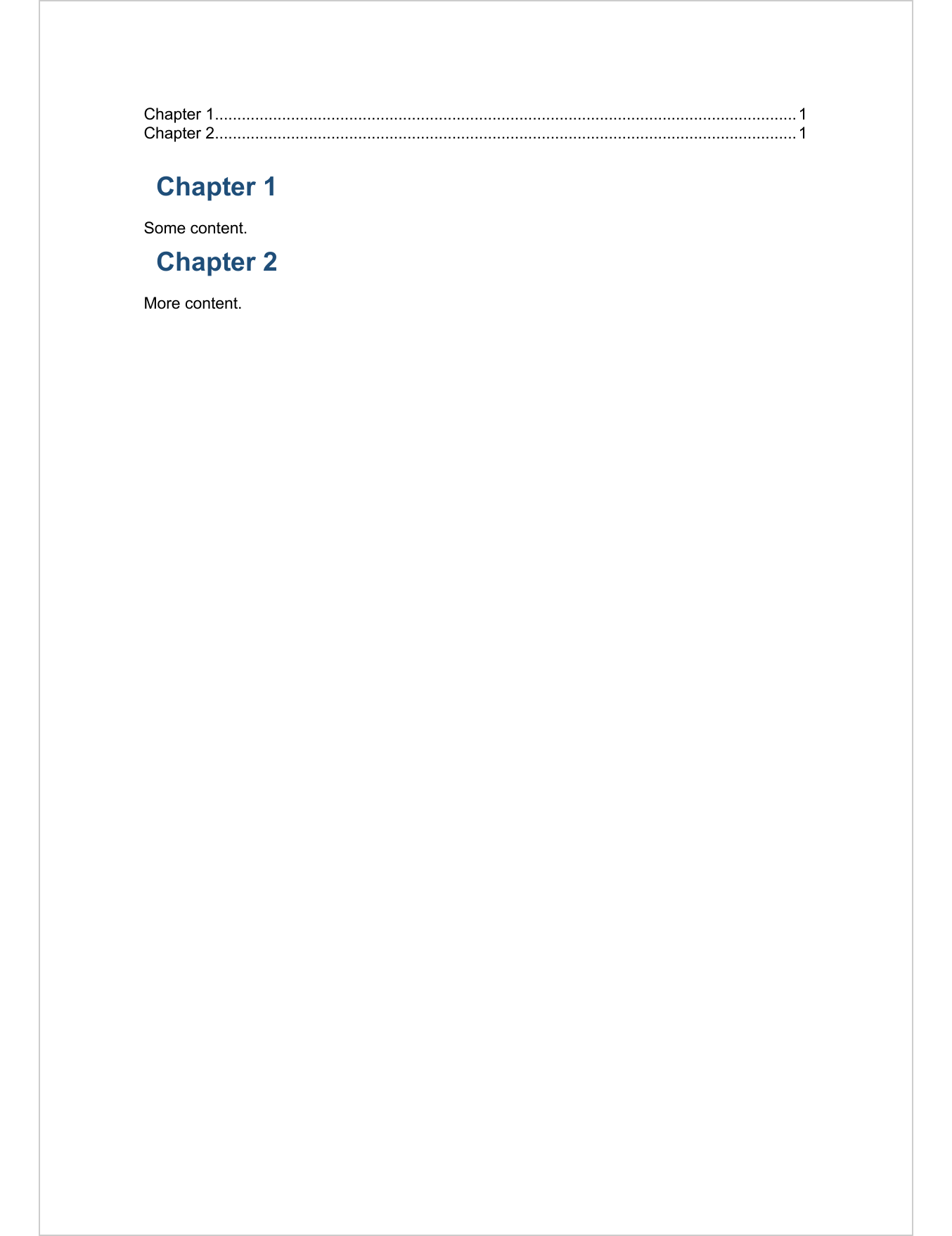
5.4 Paragraph styles
rtf_doc() ships with four registered paragraph styles. You can list
them with rtf_styles_info():
style_id | style_name | type | rtf_index | based_on | rtf |
|---|---|---|---|---|---|
character | character | character | integer | character | character |
Normal | Normal | paragraph | 1 | \sl240\slmult1\ql\sb0\sa0\fi0\li0\ri0 %font:Arial%\fs22%ftcolor:black% | |
heading 1 | Heading 1 | paragraph | 2 | Normal | \sl240\slmult1\ql\sb120\sa240\fi0\li0\ri0 \outlinelevel0\b\fs36%ftcolor:#1F4E79% |
heading 2 | Heading 2 | paragraph | 3 | Normal | \sl240\slmult1\ql\sb80\sa160\fi0\li0\ri0 \outlinelevel1\b\fs28%ftcolor:#2E75B6% |
heading 3 | Heading 3 | paragraph | 4 | Normal | \sl240\slmult1\ql\sb60\sa120\fi0\li0\ri0 \outlinelevel2\b\fs24%ftcolor:#5B9BD5% |
n: 4 | |||||
To override the look of a built-in style or to register a new one, use
rtf_set_paragraph_style(). The style_id is the value you will pass
to rtf_add(..., style = ...).
doc <- rtf_doc()
doc <- rtf_set_paragraph_style(
  doc,
  style_id = "heading 1",
  fp_p = fp_par(text.align = "center", padding = 12),
  fp_t = fp_text_lite(bold = TRUE, font.size = 24, color = "#000000"),
  outline_level = 1L
)
doc <- rtf_add(doc, "Centered heading 1", style = "heading 1")
print(doc, target = "static/office/rtf-custom-style.rtf")
# [1] "static/office/rtf-custom-style.rtf"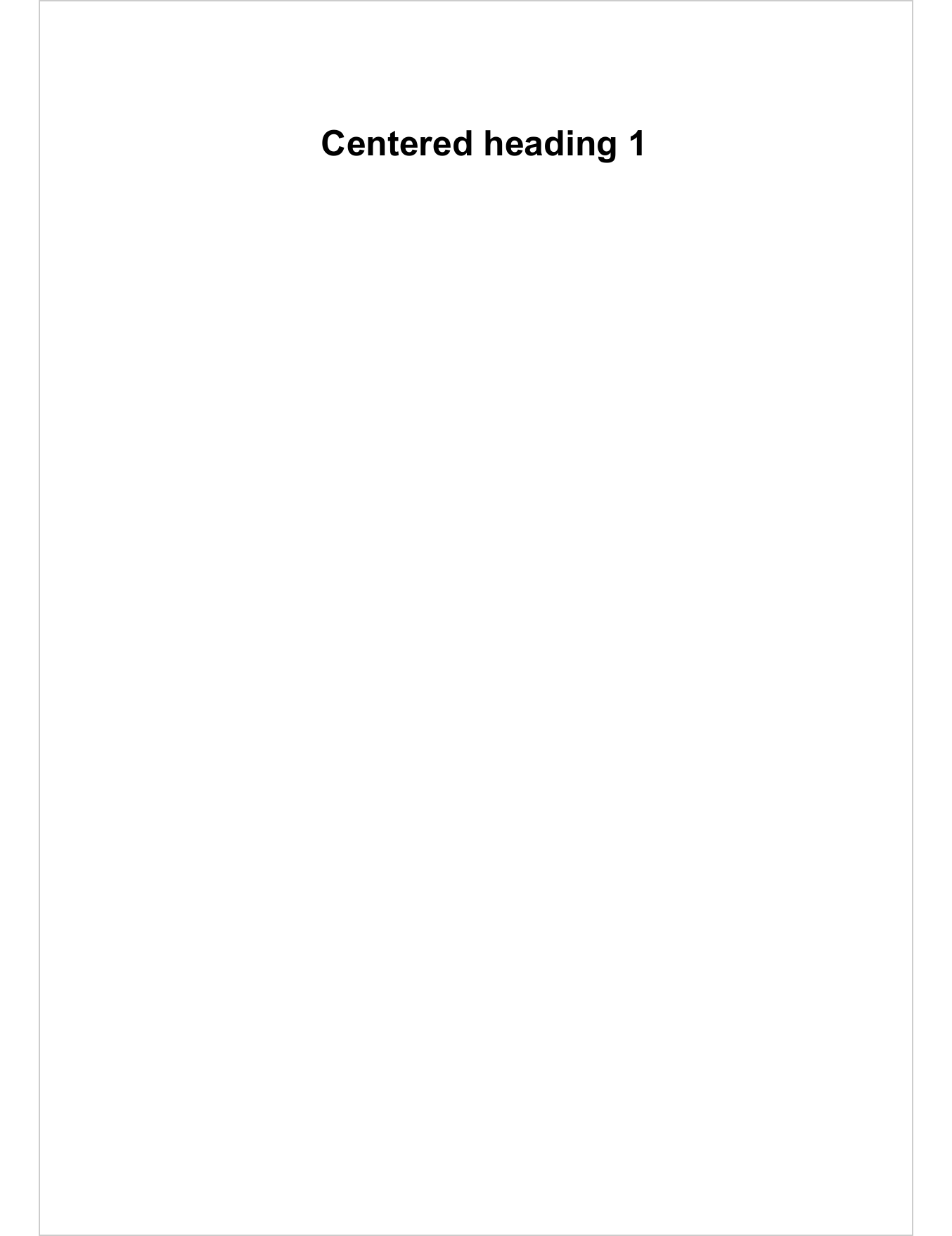
The outline_level argument is what makes a paragraph eligible for the
navigation pane and the table of contents. Set it on any paragraph style
you want to behave like a heading.
5.5 Sections
Sections control page orientation, margins, columns, and per-section headers and footers. The RTF section model is the only place where the API differs from the Word one.
In Word, body_end_block_section() applies to the content that
precedes the call. In RTF, rtf_add(block_section(...)) applies to
the content that follows the call.
The first section of the document is configured with the def_sec
argument of rtf_doc(). Each subsequent rtf_add(block_section(...))
opens a new section, inherited by everything added afterwards until the
next block_section.
header_default <- function(label) {
  block_list(fpar(ftext(label, fp_text_lite(bold = TRUE, color = "#006699"))))
}
footer_default <- block_list(fpar(
  "Page ", run_word_field(field = "PAGE \\* MERGEFORMAT")
))

doc <- rtf_doc(
  def_sec = prop_section(
    header_default = header_default("Default section"),
    footer_default = footer_default
  )
)
doc <- rtf_add(doc, "Portrait section", style = "heading 1")
doc <- rtf_add(doc, "Some content in portrait orientation.")

# switch to landscape for what follows
doc <- rtf_add(doc, block_section(prop_section(
  type = "nextPage",
  page_size = page_size(orient = "landscape"),
  header_default = header_default("Landscape section"),
  footer_default = footer_default
)))
doc <- rtf_add(doc, "Landscape section", style = "heading 1")
doc <- rtf_add(doc, "Wider content fits here.")

print(doc, target = "static/office/rtf-sections.rtf")
# [1] "static/office/rtf-sections.rtf"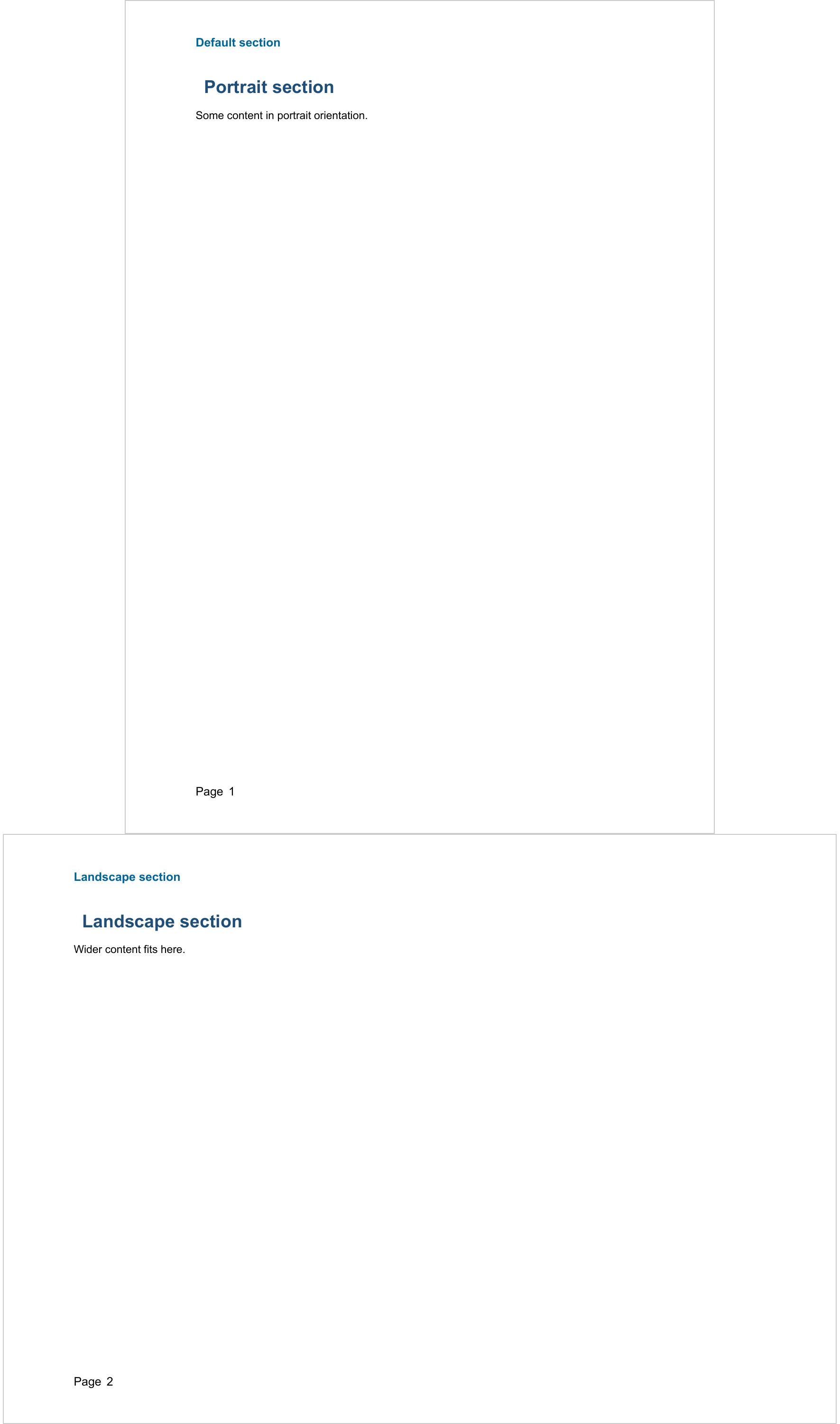
Multi-column layouts are configured with section_columns() inside
prop_section(). Column breaks are inserted with run_columnbreak().
5.7 Known limitations
- No macros, no OLE embedding, no Microsoft Charts.
- Tables of contents and other Word fields are computed at document open by Word.
- Fonts are resolved by the reader’s installed font set: stick to commonly available families if the file will be opened on other machines.
- There is no equivalent of the Word
read_docx()template mechanism: styles are registered programmatically withrtf_set_paragraph_style().
5.8 Going further
- Chapter 7 covers formatting properties (
fp_text(),fp_par(), borders, shading) shared by the Word, PowerPoint and RTF outputs. - Chapter 8 covers paragraph construction with
fpar()andblock_list(). ?rtf_addlists every supported input class.?rtf_set_paragraph_styleand?rtf_styles_infodocument the style API.?rtf_docdocuments the document constructor and the section model.